
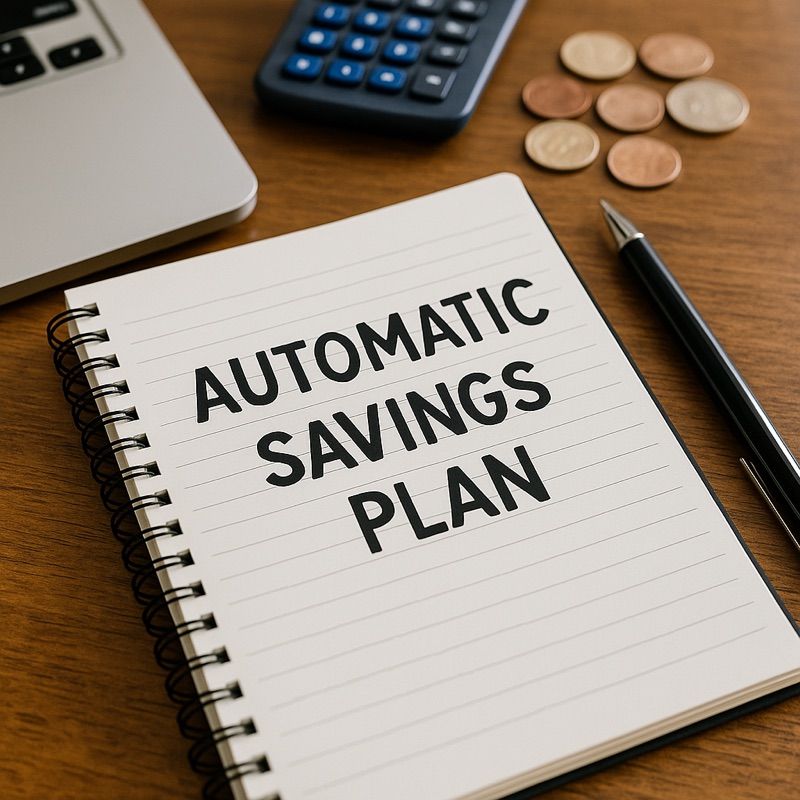
A practical look at how automated saving and bill-tracking systems can make financial planning easier for busy individuals.
Managing money consistently is often harder than managing money correctly. Most people don’t struggle with a lack of knowledge — they struggle with routine. Automated savings tools can solve this problem by turning healthy habits into background processes that require little to no daily effort.
In this article, we explain how automation works, where it helps the most, and why it can prevent common financial mistakes.
Why automation matters
When expenses, bills, and personal goals all compete for attention, even well-planned budgets can fail. Automated systems remove human error by doing repetitive tasks on time, every time. This reduces stress and helps individuals stay on track without constant manual adjustments.
Key benefits
1. Consistent savings without manual effort
Setting a small amount to move into savings regularly helps people reach long-term goals faster.
2. Fewer missed due dates
Automatic bill reminders, digital calendars, and scheduled payments help prevent late fees and unnecessary penalties.
3. Clearer financial visibility
Many budgeting applications organize expenses and income into easy-to-read categories, showing spending patterns and helping users stay aware of their habits.
How to start
You don’t need advanced knowledge or experience. Most digital banking platforms and budgeting apps offer simple, step-by-step setup options. Choose a savings amount that feels comfortable and increase it gradually. Over time, individuals often notice improved discipline and a stronger sense of control.
Final takeaway
Automation is not a replacement for thinking — it’s a support system. By allowing technology to handle repetitive tasks, people can focus more on long-term decisions and less on daily tracking. Small routines done consistently can create meaningful progress.
One Comment
Leave A Comment
Recent Post

A practical look at how daily habits influence long-term spending and how simple behavior changes can protect your budget.
Automatic renewals make life easier — but they also make expenses less visible. Here’s how to manage them smartly.





Hi, this is a comment.
To get started with moderating, editing, and deleting comments, please visit the Comments screen in the dashboard.
Commenter avatars come from Gravatar.